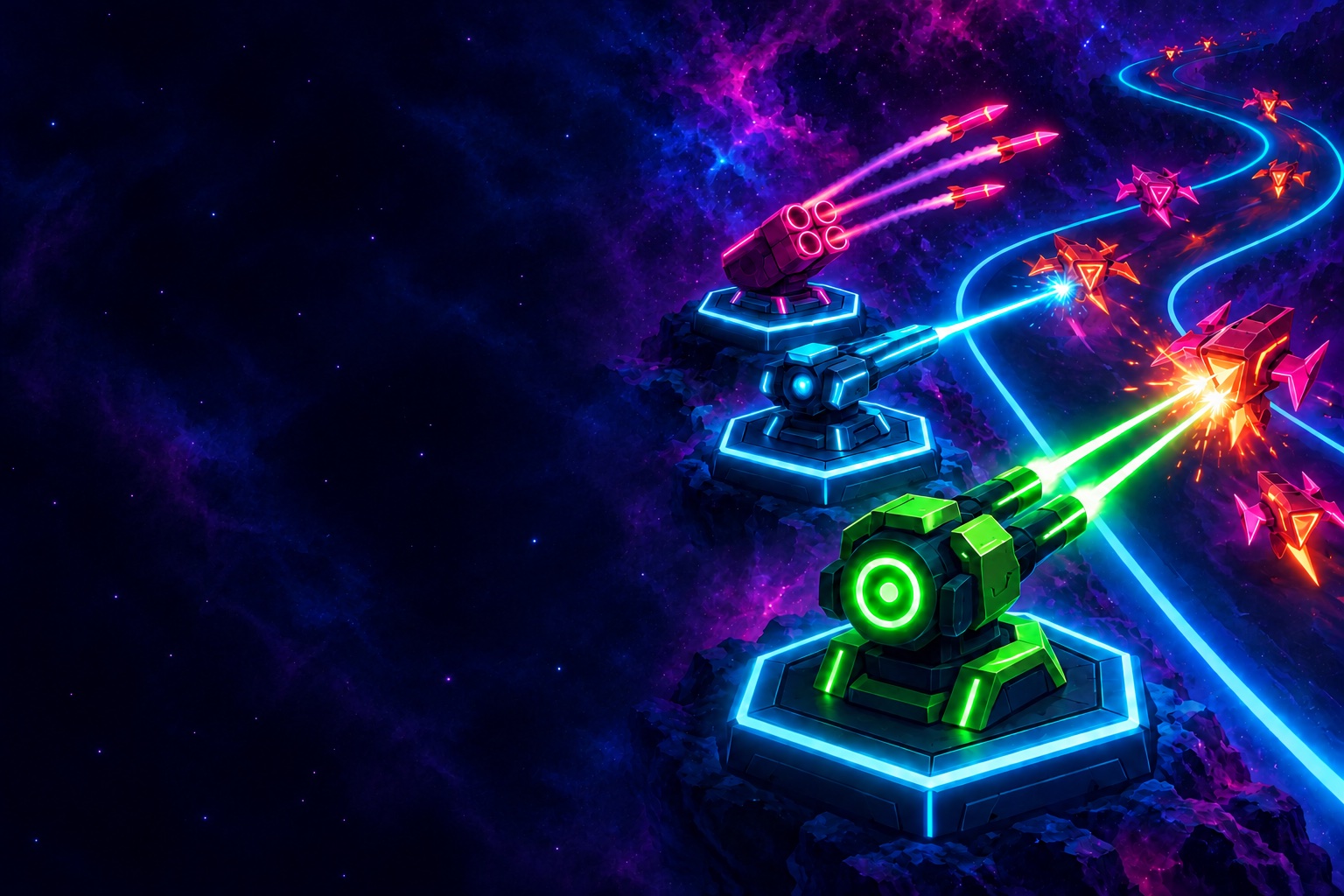
Neon tower defence for iPhone and Android
Hold the line at the edge of the nebula.
Build neon towers along the road, fuse them into something terrible and stop every wave before it reaches your core. Fewer towers, bigger choices: where you build matters.
- 30 levels
- 6 sectors
- 14 towers
- 43 research upgrades
- Free to play
How it works
Plan, build, launch.
Choose your arsenal
Every level shows which enemies are coming. Pick the towers you take into battle.
Build and upgrade
Tap a free tile to build. Upgrade to tier II, then choose one of two tier III paths.
Launch the waves
Send waves early for bonus credits, earn interest on what you save, and call in commander skills when it counts.
In the game
Take a look around
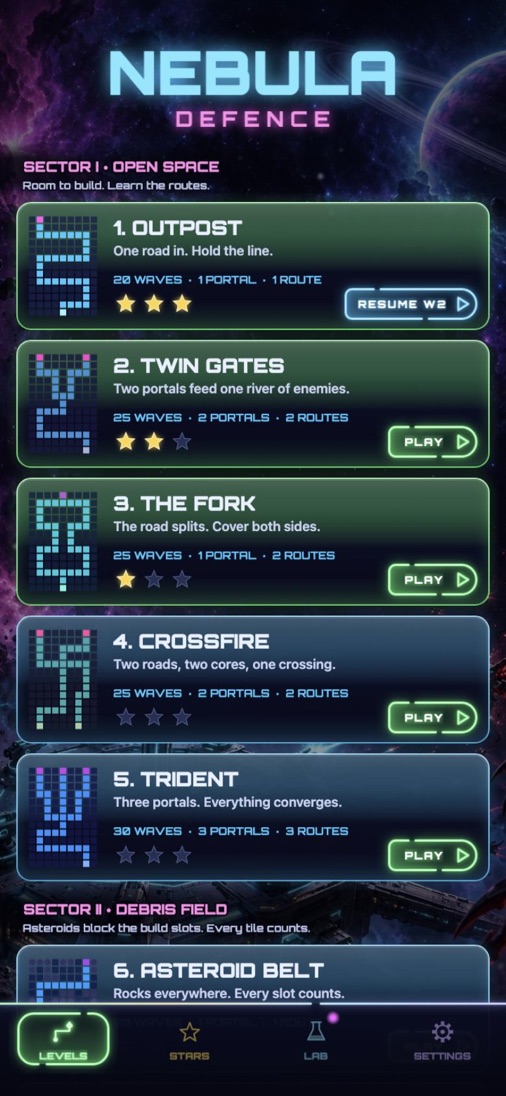
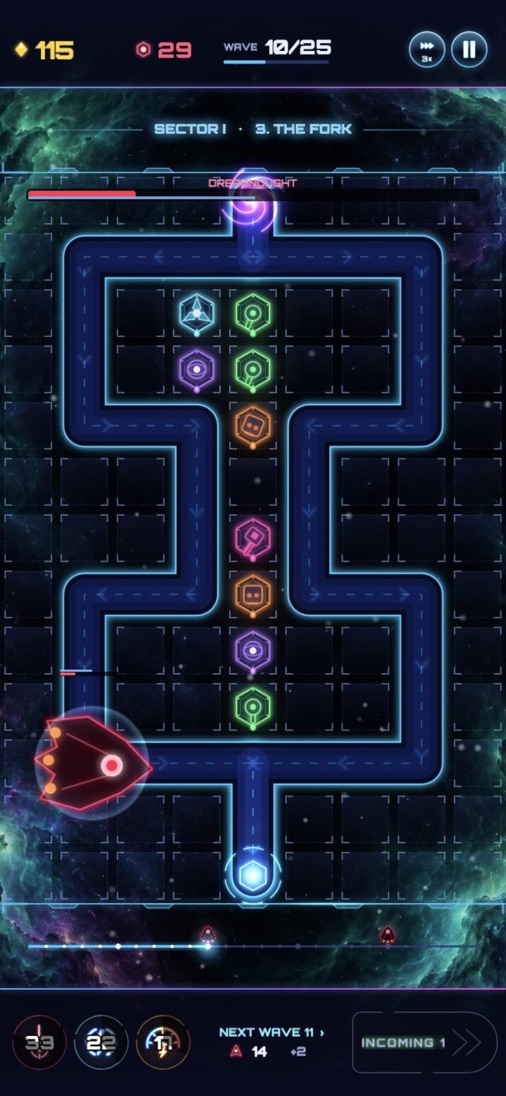
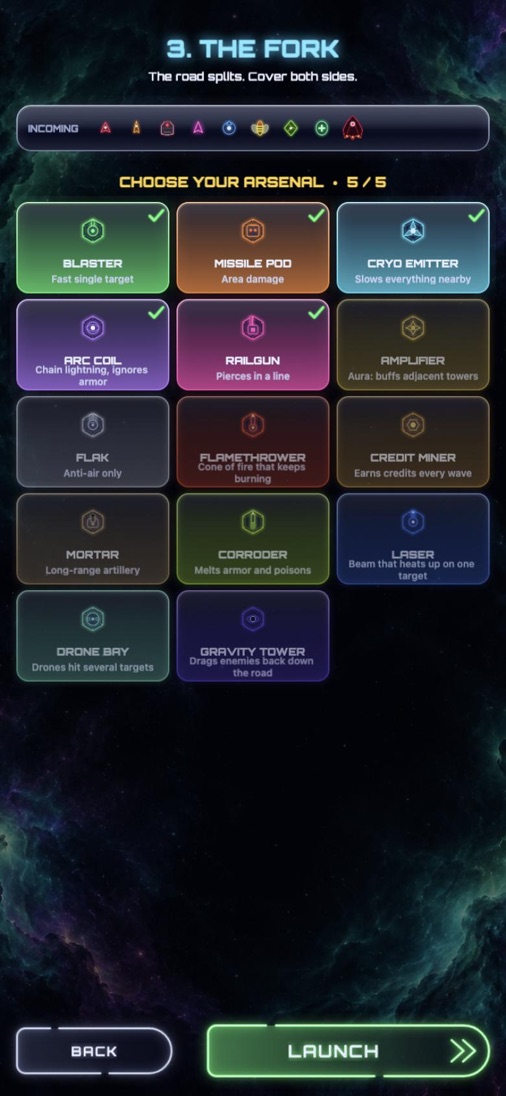
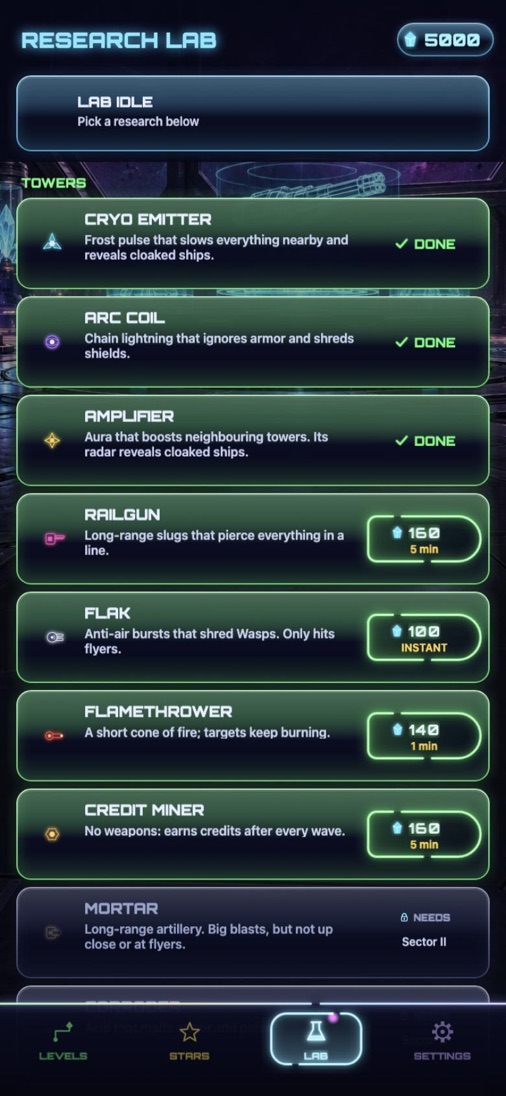
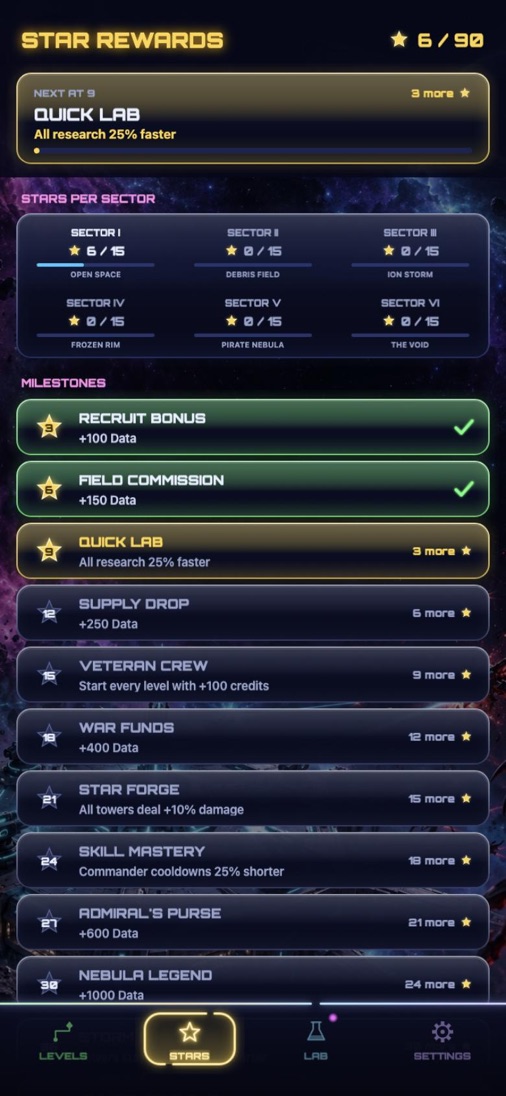
Depth without clutter
Every tower counts
- Fusion. Two tier II towers side by side can fuse into one of ten super towers, like the Gauss Minigun or the Frost Storm.
- Aim lock. Lock a railgun along a straight stretch of road and it pierces everything in the line.
- Commander skills. Orbital Strike, EMP Blast and Overclock turn a lost wave around.
- Research Lab. Spend the Data you earn every attempt on new towers, fusions and upgrades.
- Stars. Earn up to three stars per level and unlock permanent bonuses along the way.
Six sectors
From open space to the void
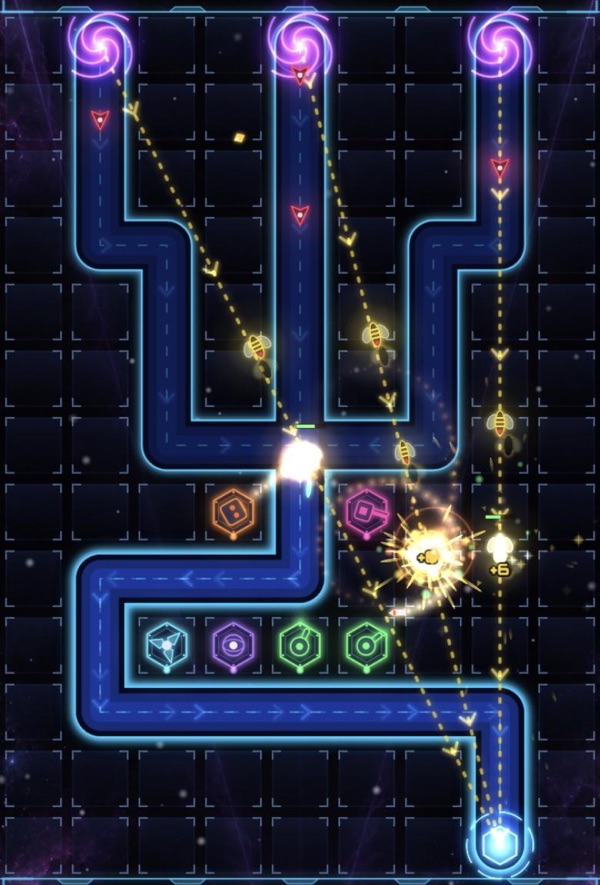 Levels 1–5
Open Space
Room to build. Learn the routes.
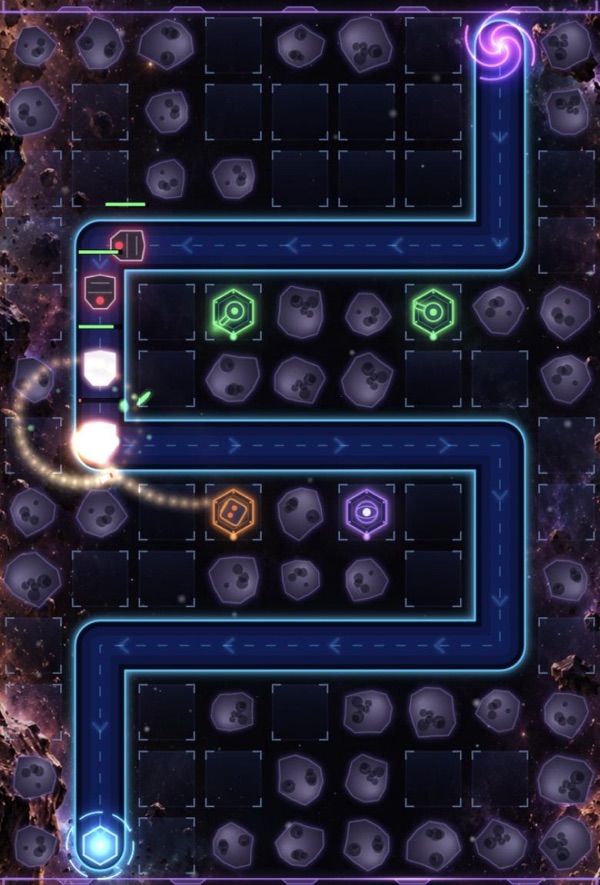 Levels 6–10
Debris Field
Asteroids block the build slots. Every tile counts.
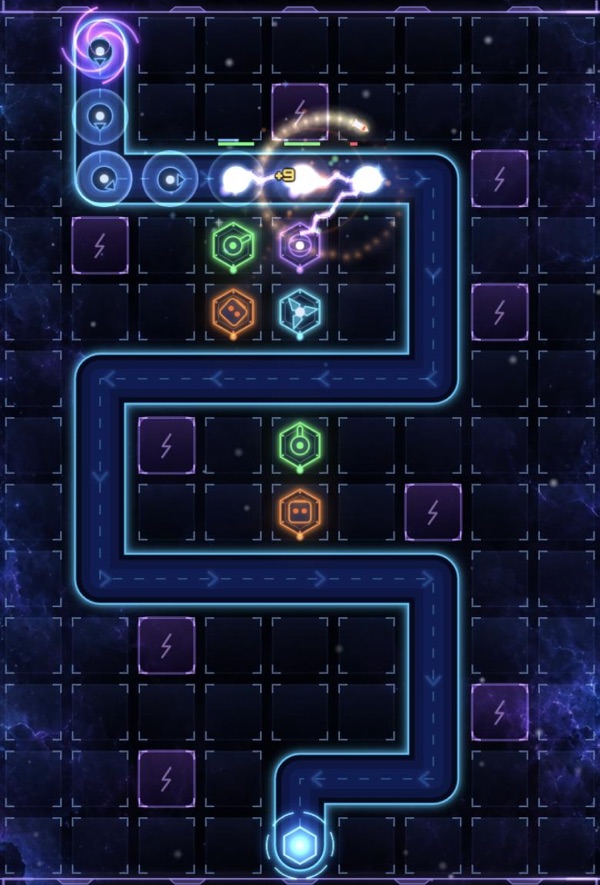 Levels 11–15
Ion Storm
Charged tiles boost towers, but storms jam them.
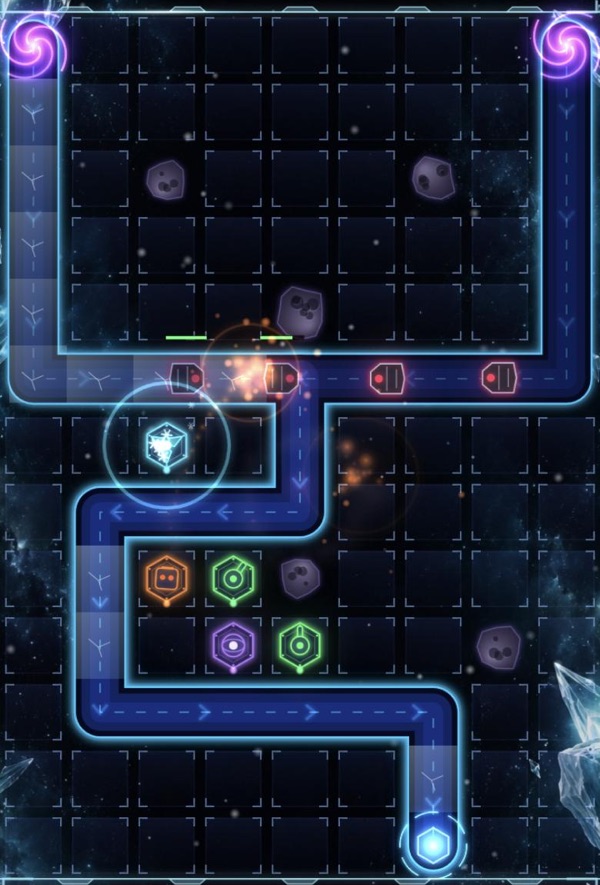 Levels 16–20
Frozen Rim
Ice speeds enemies up. Burrowers dig under your fire.
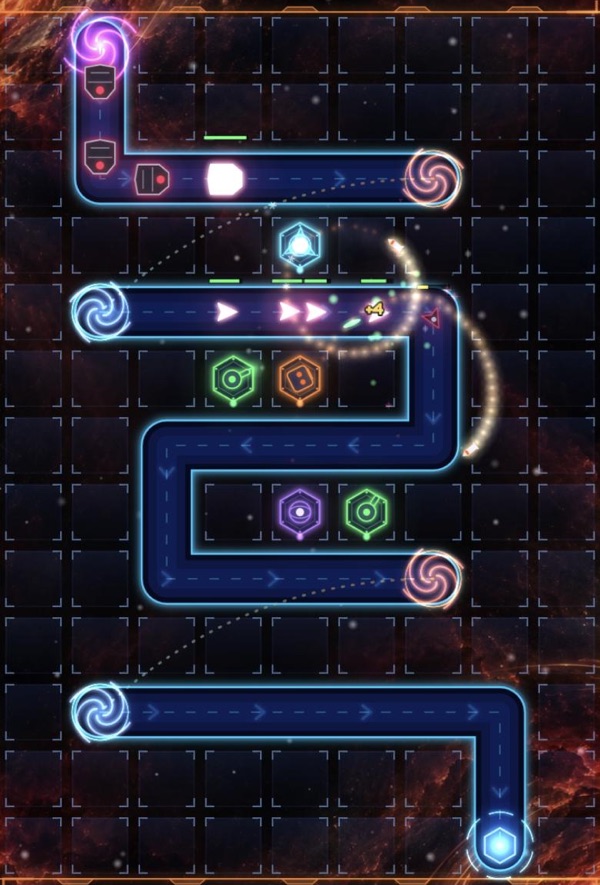 Levels 21–25
Pirate Nebula
Wormholes let enemies skip whole stretches of road.
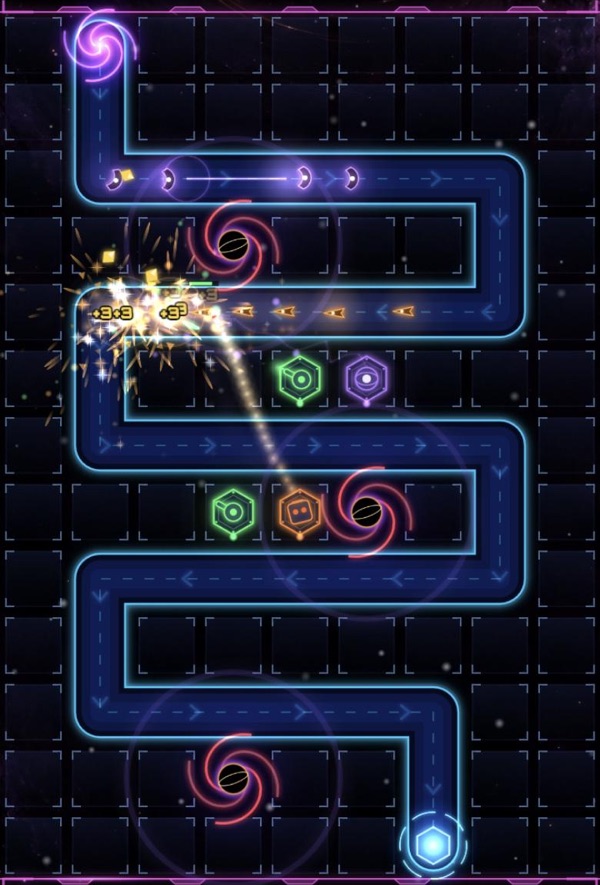 Levels 26–30
The Void
Black holes slow everything down. The end of the line.
Help and contact
Stuck on a level, found a bug or have an idea? Mail [email protected]. We read everything.
- Keep your progress. Sign in with Apple or Google under Settings → Account to save your progress online and continue on another phone. Without an account, everything stays on your device.
- Delete your account. Settings → Account → Delete account removes your account and saved progress from our server right away.
- Ads. You only see an ad when you choose one for a reward, like finishing research right away. Change your ad choice under Settings → Ad privacy.
- Commander Pass. A one-time purchase of €0.99 under Settings that gives every ad reward instantly, without the ad. On a new phone, tap Restore purchase.